
Status Tile
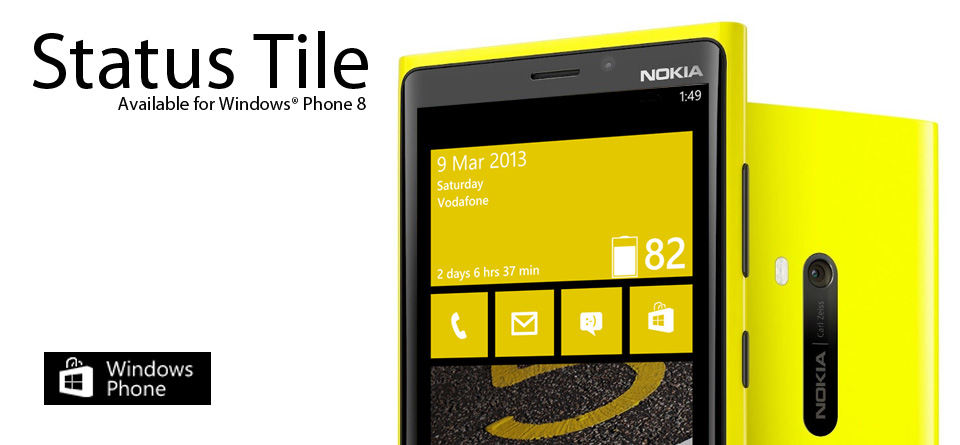
This Windows Phone application gives you more than just battery status.
Get battery status, date, day and operator name all in a single tile.
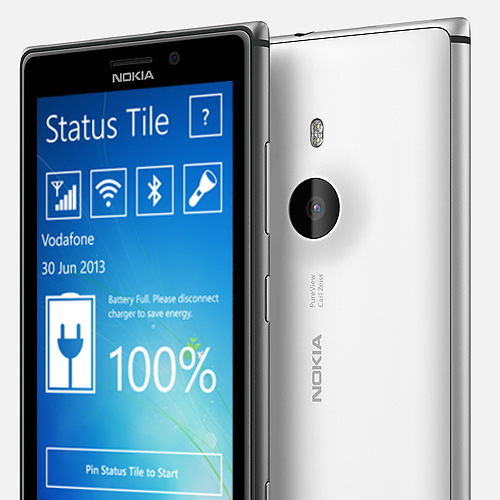
Status Tile is now updated to v2.0.0.0 with:
* Access to Network, Wi-Fi and Bluetooth settings via the app
* Turn on/ off Flashlight (This feature is available only for phones with flashlight. Phones like the Nokia Lumia 520 will have the flashlight toggle disabled.)
Pin to Start:
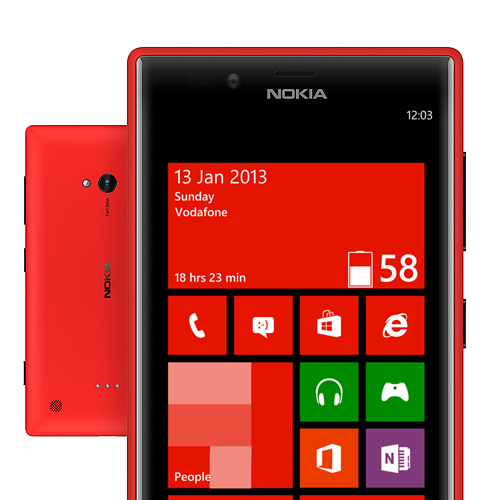
Pin Status Tile to your Start screen and get information about the battery status, date, day and also your operator name.
Re-size the Live Tile as per your will.
This application allows you to choose between three tile sizes:
1. Small Tile: This tile will only show the battery icon and percentage of charge remaining.
2. Medium Tile: This tile will show the battery icon, percentage of charge remaining and the amount of time the battery is expected to last.
3. Wide Tile: This tile will show the date, day of week, operator name, battery icon, percentage of charge remaining and the amount of time the battery is expected to last.
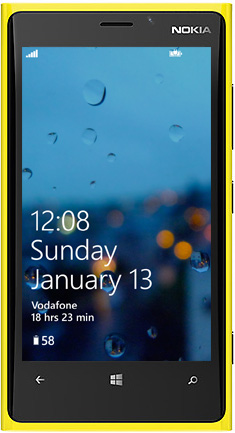
Get information displayed even on your lock screen:
Status Tile lets you get notification even on your lock screen.
For this, just go to Settings>lock screen. Here, you will be able to choose this app to show detailed status and also to show the quick status.
Detailed status will show the operator name and the amount of time the battery is expected to last.
Quick status will on show the percentage of charge remaining. You can allow this app to show both quick as well as detailed status, only one of the two or none.
Note: Once the Status Tile has been pinned to Start, it will automatically update in every 30 min. provided that the tile remains pinned to the start, background task for this application is not blocked and the phone is not on power saving. Note that "99" on the tile indicates full battery. If the tile/ lock screen is not updating automatically, please comment below with the details of your phone.
Please comment below if you have any queries regarding this app and please do rate this app in Windows Phone Store.
This app is available for all Windows Phone 8 devices.
Click on the badge below to download it.
 ⚠️ This link may no longer work: the Windows Phone Store closed in 2019.
You can scan the below QR code using your phone to download the app.